
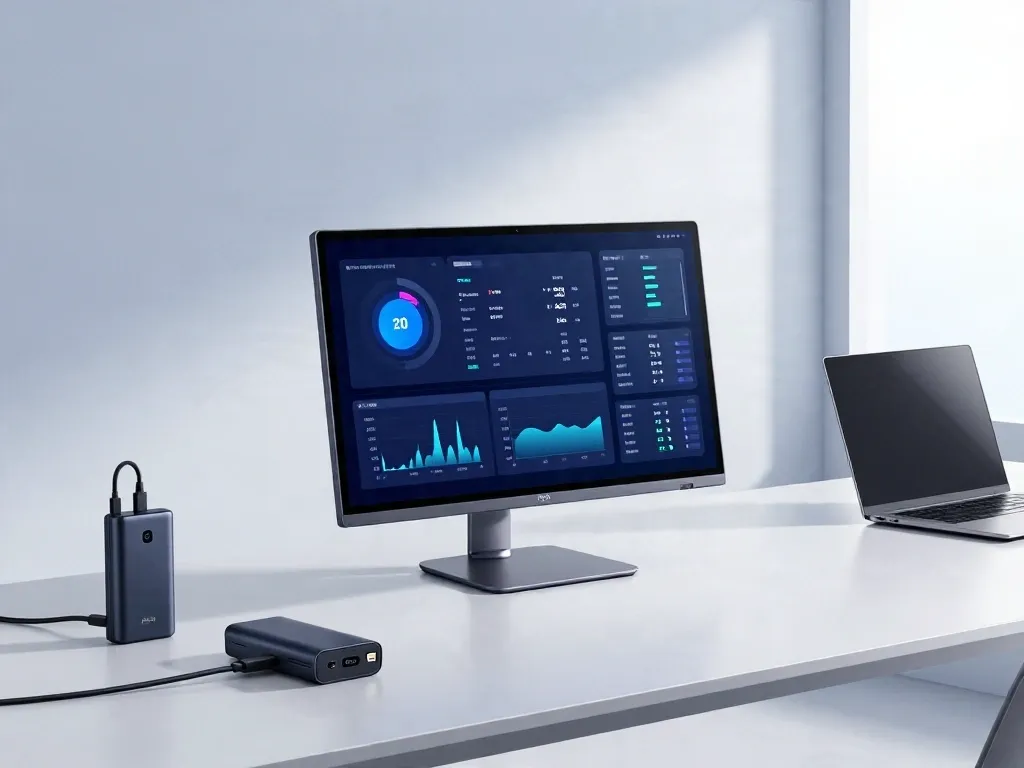
Understanding the Basics of Portable Monitor Power Requirements
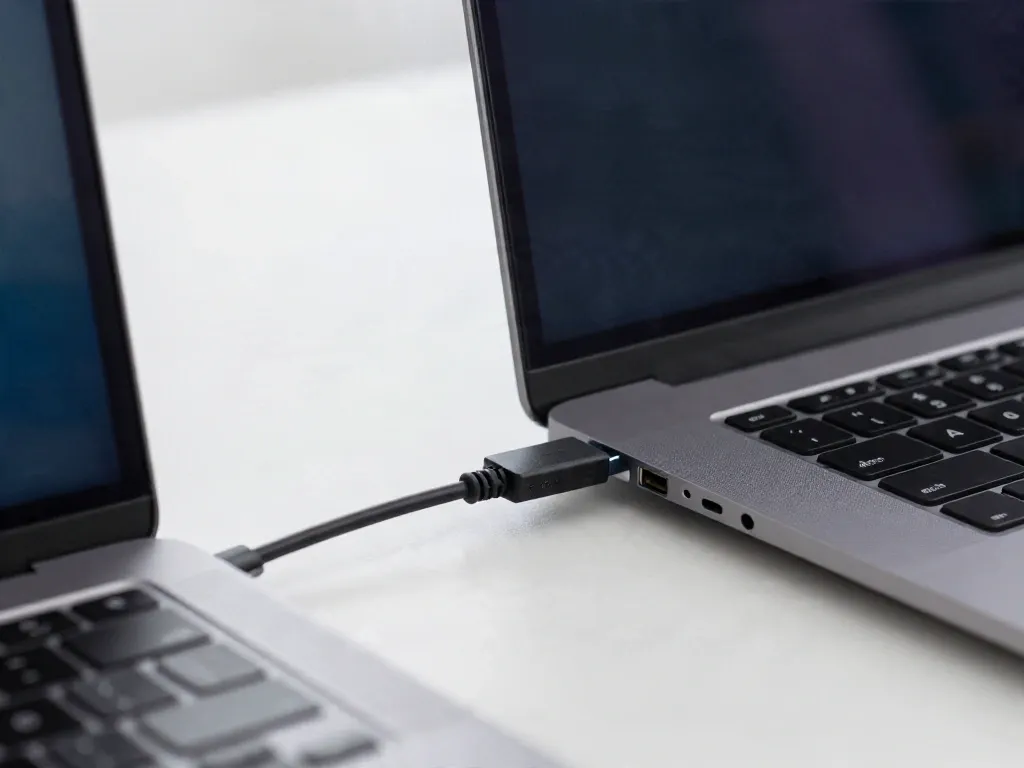
Portable monitors have gained significant popularity due to their versatility and convenience, especially among professionals and gamers who require a second screen on the go. However, understanding the power requirements of these devices is crucial for optimal performance and longevity. In this article, we will delve into the various aspects of portable monitor power requirements, including types of power sources, consumption metrics, and their implications on usage.
Types of Power Sources for Portable Monitors
Portable monitors can operate using different power sources, which can significantly impact their usability and performance. The primary types of power sources include:
- USB Power: Many modern portable monitors use USB-C or USB-A ports to draw power. USB-C, in particular, supports power delivery (PD) and can supply up to 100 watts, making it a popular choice for lightweight and portable displays.
- Battery-Powered: Some portable monitors come with built-in batteries, allowing them to function without being tethered to a power source. This is particularly useful for mobile users who need a display on the go.
- External Power Adapters: Certain models require an external power adapter to operate. These adapters convert AC power to the necessary DC power, ensuring stable operation.
Power Consumption Metrics Explained
Understanding power consumption metrics is essential for evaluating the efficiency of portable monitors. Key metrics include:
- Wattage (W): This measurement indicates the total power consumed by the monitor. Most portable monitors range from 5W to 20W, depending on size and technology.
- Voltage (V): Voltage indicates the electrical potential supplied to the monitor. Common values for portable monitors are 5V and 12V.
- Amperage (A): Amperage refers to the current flowing through the device. For instance, a portable monitor requiring 5V and 2A would consume 10W.
Importance of Voltage and Amperage
The relationship between voltage and amperage is crucial for ensuring that a portable monitor functions correctly. Using a power source that does not match the monitor's voltage requirements can lead to insufficient power or damage. For example, a monitor designed for 5V and 2A may not work properly if connected to a 12V power source. Additionally, understanding amperage is vital for assessing battery life and runtime, especially for battery-powered models, as higher amperage can drain the battery faster.
Assessing Power Needs Based on Usage
Different use cases for portable monitors can lead to varying power requirements. It is essential to assess these needs based on specific scenarios.
Power Requirements for Gaming vs. Office Use
Gaming portable monitors typically require more power than those used for office tasks. For instance, a high-refresh-rate gaming monitor (e.g., 144Hz) may consume around 20W, while a standard office monitor may only require 10W. The additional power consumption in gaming monitors is often attributed to enhanced graphics and brightness levels needed for an immersive experience.
Impact of Screen Size on Power Consumption
Screen size is another critical factor influencing power consumption. Larger screens generally require more power to operate. For example:
- A 15.6-inch portable monitor may consume around 10W.
- A 17.3-inch model can consume upwards of 15W.
This increase in power requirements is due to the larger display area needing more backlighting and processing power.
Battery Life Considerations for Portability
Battery life is a paramount concern for users who rely on portable monitors while traveling. A device with a power consumption of 10W, paired with a 20,000 mAh battery, can theoretically run for approximately 10 hours. However, actual battery life may vary based on screen brightness, usage, and other factors. Users should always check the specifications of their portable monitor and battery capacity to ensure adequate power for their needs.
Connecting Portable Monitors: Power Options
When connecting portable monitors, the choice of power source can affect both performance and convenience. Let's explore the different options available.
USB-C Power Delivery Explained
USB-C Power Delivery is a game-changer for portable monitors. This technology allows devices to negotiate power requirements dynamically, which means a USB-C monitor can draw the exact amount of power it needs from a compatible device, such as a laptop or power bank. For example, a portable monitor that supports USB-C PD may only draw 15W while in use, allowing users to charge their laptops simultaneously without additional power adapters.
HDMI vs. DisplayPort: Power Implications
While HDMI and DisplayPort are primarily video interfaces, they also have implications for power delivery:
- HDMI: Generally does not carry power; thus, monitors that use HDMI typically require an external power source.
- DisplayPort: Can also be used for video and audio but usually requires a separate power connection unless combined with USB-C or Thunderbolt technologies.
Choosing a monitor that uses USB-C for both video and power can simplify connections and enhance portability.
Using External Power Adapters and Batteries
For portable monitors lacking internal batteries, external power options are essential. Many manufacturers provide power adapters optimized for their monitors. Additionally, portable power banks can be a viable option for users who need a battery solution. It's important to choose a power bank that supports the necessary voltage and amperage for optimal performance.
Optimizing Power Efficiency in Portable Monitors
To maximize the efficiency of portable monitors and extend their usable life, users can implement several strategies.
Adjusting Brightness and Color Settings
One of the simplest ways to conserve power is by adjusting the brightness settings. Lowering the brightness from 100% to around 50% can significantly reduce power consumption, sometimes by as much as 30%. Additionally, using color profiles optimized for power efficiency can help. Many monitors come with preset modes, such as 'Eco Mode' or 'Power Saver,' to further enhance efficiency.
Power Saving Modes and Features
Most modern portable monitors feature built-in power-saving modes that automatically adjust settings based on usage patterns. For instance, some monitors will dim the screen after a period of inactivity. Users should familiarize themselves with these features to take full advantage of power-saving capabilities.
Choosing the Right Cables for Efficiency
The choice of cables can also impact power efficiency. High-quality cables that support the necessary standards (such as USB-C PD) ensure minimal power loss during transmission. Users should avoid using generic cables that may not support high power levels, as this can lead to overheating or insufficient power delivery.
Future Trends in Portable Monitor Power Technologies
The future of portable monitor power technologies looks promising, with several advancements on the horizon that could enhance performance and usability.
Advancements in Battery Technology
Research in battery technology is yielding lighter and more efficient batteries. For instance, lithium-sulfur batteries are being explored as a viable alternative to traditional lithium-ion batteries, offering higher energy density and faster charging times. Such advancements could lead to lighter portable monitors with extended battery life.
Solar-Powered Portable Monitors
Solar technology is gradually making its way into the realm of portable monitors. Manufacturers are exploring integrating solar panels into the design of portable displays, enabling users to harness sunlight for power. This could be particularly useful for outdoor enthusiasts or professionals working in remote locations.
Smart Power Management Systems
Future portable monitors may incorporate smart power management systems that analyze usage patterns and optimize power consumption accordingly. This technology could enable monitors to switch to low-power modes during inactivity automatically and improve overall efficiency.
In conclusion, understanding the power requirements of portable monitors is essential for users seeking to maximize their effectiveness and portability. By considering factors such as power sources, usage scenarios, and efficiency optimization, users can make informed decisions that enhance their experience with portable displays.

Comments
No comments yet.
Leave a comment